Event Tracker
Description
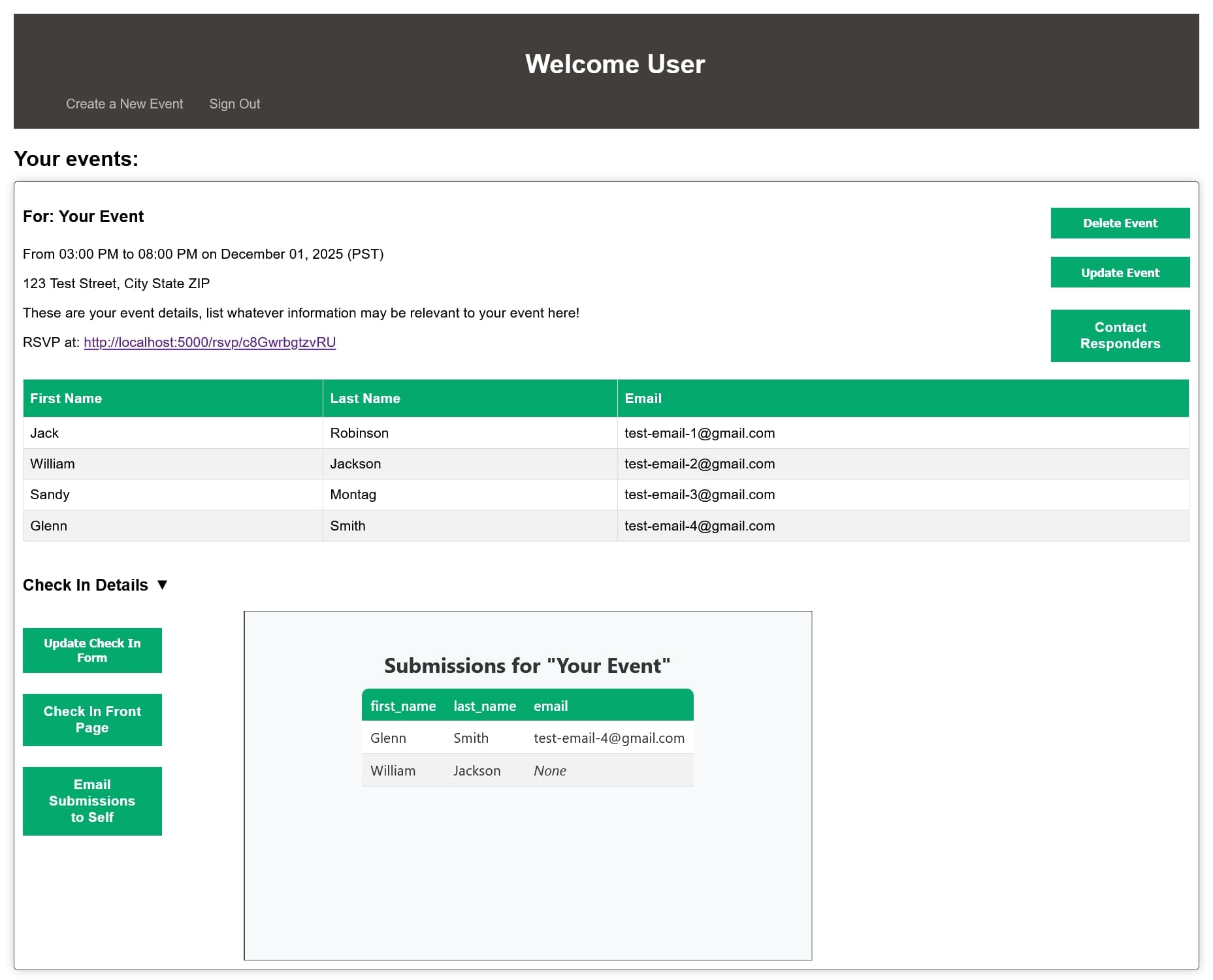
Event Tracker is the easy to use platform for all your event tracking needs. It has several features including:
- User Creation / Login
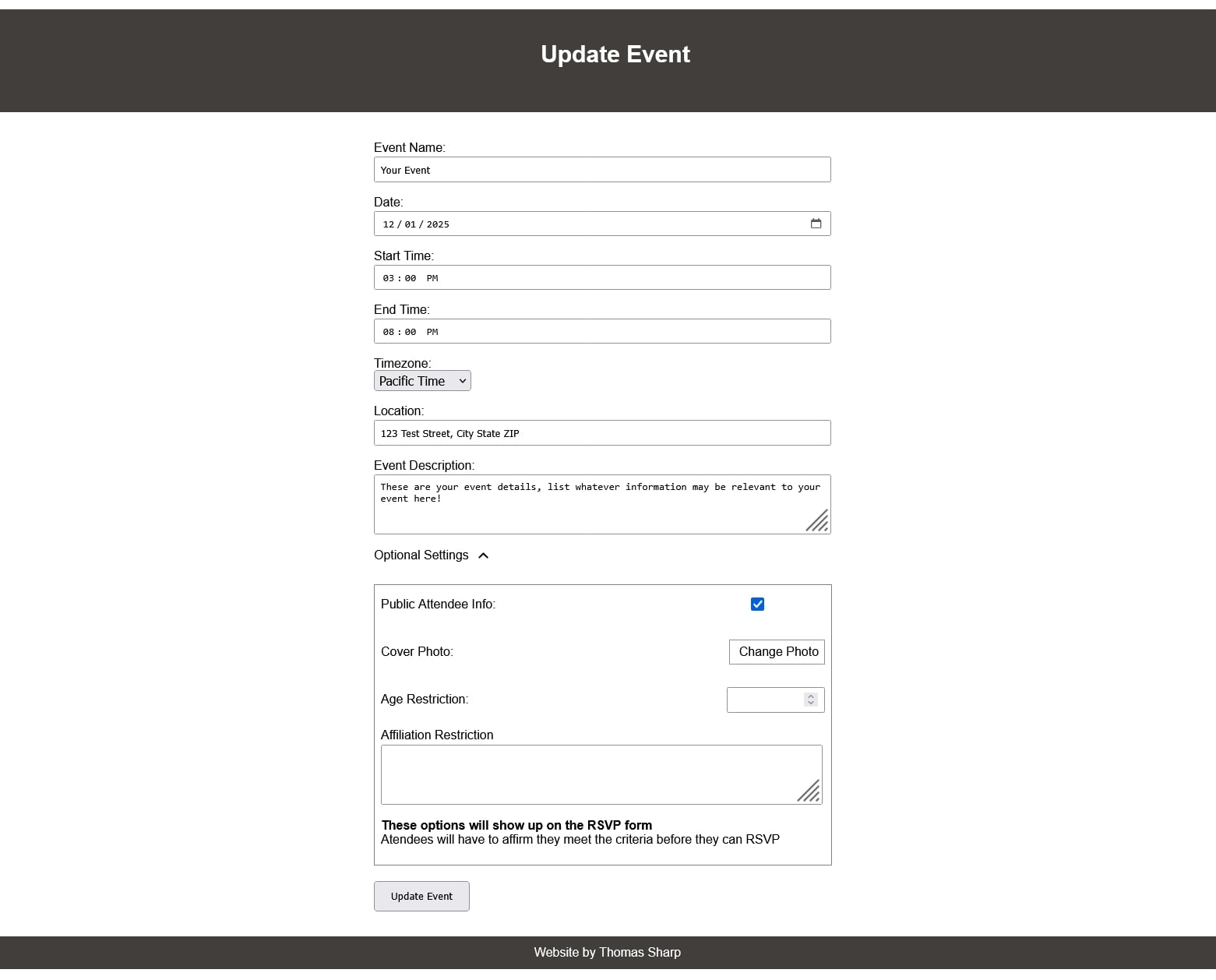
- Event Creation / Updating
- RSVP Handeling
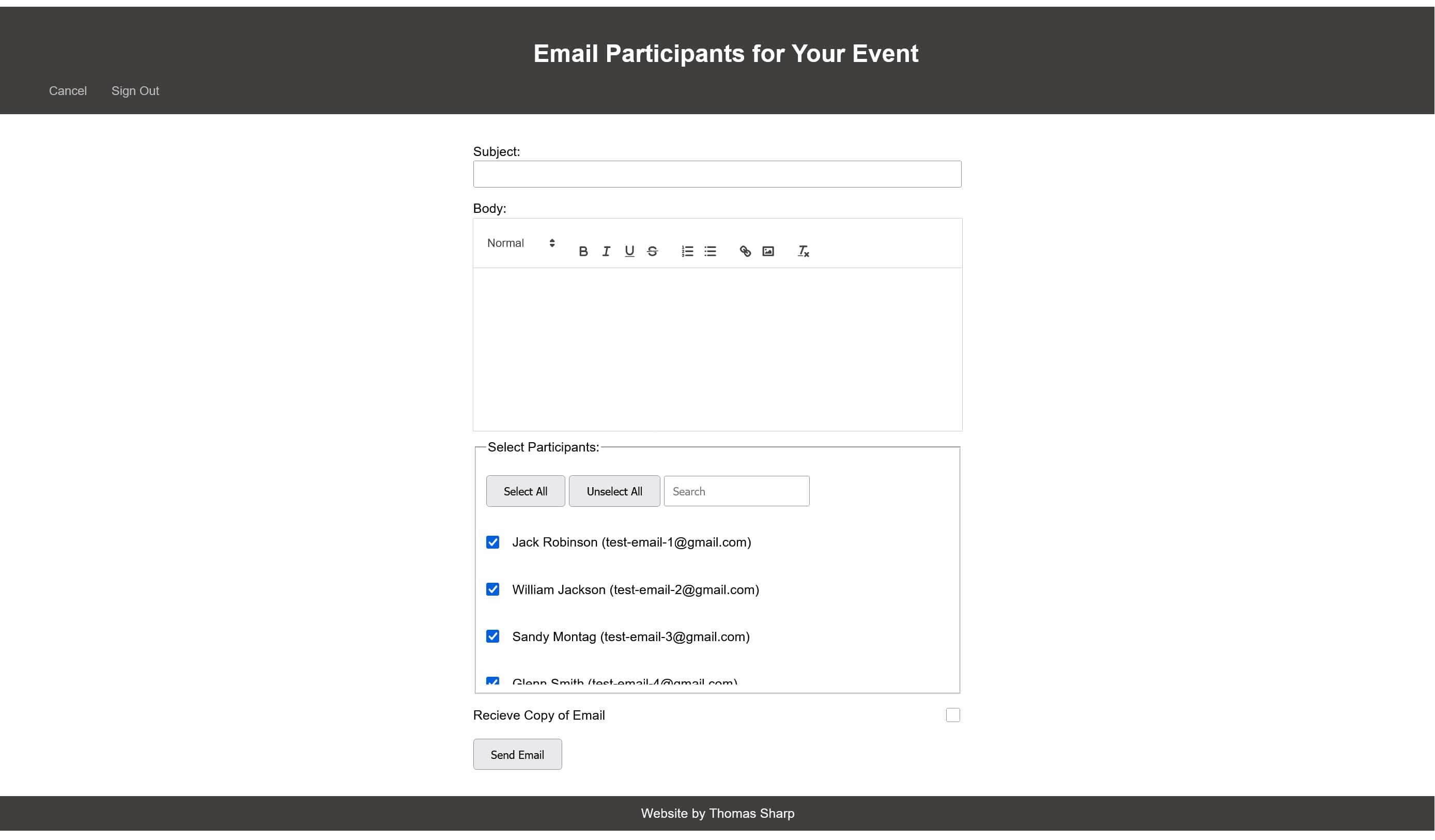
- Email Handeling for Respondants
- Event Check In Custom Form Creation
And more! If it's time for you to streamline your event process, then it's time for you to try Event Tracker
About the Project
This project uses the microservice architecture to handle various features in the project
- Email Microservice: allows the user to email RSVP repondants, as well as recieve information about their account. It also can notify respondants of an event change, and send the check in form results to the host.
- User Authentication Microservice: allows the user to create an account, and then log into their account with a secure token system. If a token isn't valid, it will prompt the user to sign in
- Event Check In Microservice: allows an event host to create a custom HTML form, get a front page for their event (containing the event name, check in link, and QR code) and then check in. It also saves the responses to the host user's dashboard
- Media Management Microservice: allows users to upload a cover photo to their event, can be seen in the RSVP form for that event
- Review and Feedback Microservice: allows the user to review or give feedback for the application
Skills learned / honed
- Microservice architecture based software
- Web hosting through Flask, sending and recieveving HTTP requests
- JavaScript for frontend user interactions
- HTML / CSS for styling
- SQLite for persistant storage
- Docker for application compiling and running
Details
Install Instructions: Ensure you have Docker Desktop installed on your devide, as this won't work without it. Once you've downloaded it, open a terminal to get to the main directory of the project. Then type "docker-compose up --build" to build and run the application. From there, open a web browser and go to "localhost:5000" and you're good to go.
See the Project Download